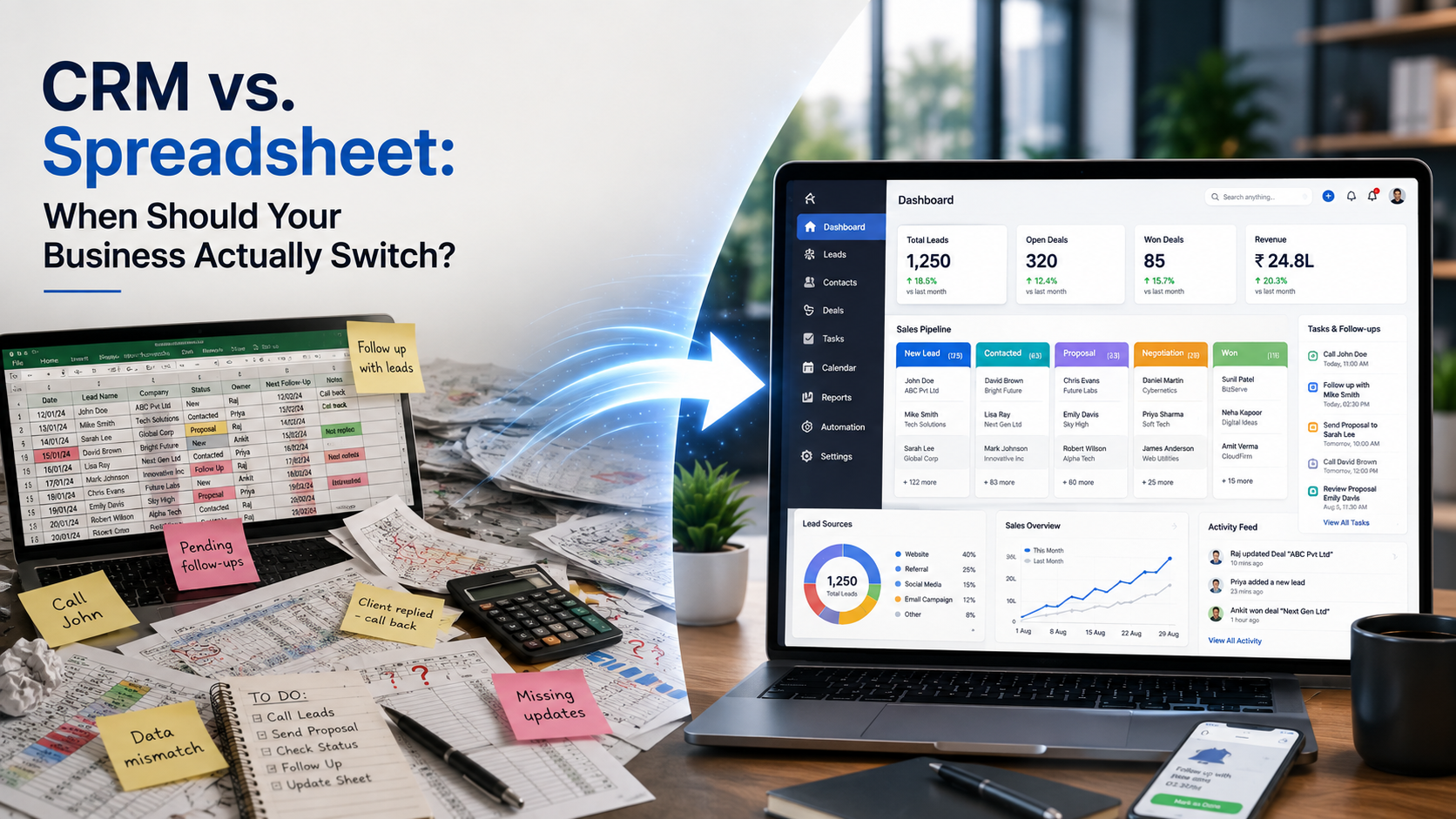
CRM vs. Spreadsheet: When Should Your Business Actually Switch?
Switching from spreadsheets to CRM software can transform the way your business manages leads, customers, and sales. Learn when it's time to upgrade, the key benefits of CRM, and how it helps improve follow-ups, sales tracking, reporting, and business growth.
Published: 22,May,2026 | Endurixx India
What is a CRM, in plain terms?
A CRM (Customer Relationship Management system) is software that tracks every lead and customer interaction — who they are, what stage they're at, who owns the follow-up, and what's been discussed — in one shared place. A spreadsheet can technically do the same job for a while. The difference shows up as the business grows.
The signs a spreadsheet is no longer working
A lead-tracking spreadsheet tends to fail quietly before it fails obviously. Common warning signs:
- Leads fall through the cracks because follow-up depends on someone remembering to check a row, not an automatic reminder.
- Multiple versions of the truth exist — one salesperson's copy of the sheet doesn't match another's, and nobody's sure which is current.
- Management has no real pipeline visibility beyond asking each salesperson individually how things are going.
- New hires take weeks to get productive because there's no structured record of how past deals were handled.
- Reporting is manual and after-the-fact — pulling last month's conversion rate means someone manually counting rows.
If two or more of these apply, the spreadsheet isn't saving money anymore — it's costing deals.
What changes when you move to a CRM?
1. Every lead has an owner and a stage
Nothing sits untouched because no one remembers it exists.
2. Follow-ups are automatic
Not dependent on someone's memory or personal task list.
3. Communication history is centralized
Calls, emails, and notes live with the customer record, not scattered across individual inboxes.
4. Reporting is real-time
Not a manual export someone builds once a month.
5. Onboarding a new salesperson is faster
Because the pipeline and past deal history are already documented in one place.
Do small businesses really need a CRM, or is that overkill?
Not every small business needs one immediately. A CRM makes sense once a business has any of the following:
- More than one person handling sales or customer follow-up.
- A sales cycle longer than a single conversation (i.e., leads need multiple touches before closing).
- Enough lead volume that "remembering" who to follow up with is no longer realistic.
A single founder handling a handful of leads a month can usually manage with a simple system for a while longer. Growth is the trigger, not company size alone.
What does CRM implementation involve?
A CRM rollout isn't just installing software — the value comes from mapping it to how your team actually sells. That typically means:
- Defining lead stages that match your real sales process (not a generic default pipeline).
- Setting up assignment rules so leads route to the right person automatically.
- Migrating existing customer data out of spreadsheets or old systems.
- Connecting email, calling, or campaign tools so activity logs itself instead of requiring manual entry.
- Training the sales team — the biggest reason CRM rollouts fail is low adoption, not bad software.
Ready to move off spreadsheets?
Endurixx India implements CRM systems shaped around how your sales and service teams already operate, for businesses across Delhi NCR.
Request a free CRM consultation →
Related : CRM Solutions | Task Management Tools